
Part 5 - Reducing Plate Waste
When one explores the potential sources of press waste, our thought process immediately focuses on the substrate. Rightfully so because material costs are often the most expensive and hit the bottom line the hardest. However, have you considered press uptime as part of your equation? Keep in mind that every minute you save when the press is idle creates one more minute of opportunity for future business.
What role does the photopolymer plate play when it comes to reducing press waste? Surprisingly, you will find that the plate touches many of the key components that make you successful and profitable. In particular, printing variables like ink transfer, run speed, and quality are all linked back to the plate.
In the next several paragraphs, we will explore some ways of making the plate more printer-friendly. We will highlight the importance of process optimization by reviewing prepress and printing variables like prepress curves/screening, cushion, plate cleaning, handling and storage. In addition, we will also offer some pressroom best practices to help minimize press downtime.
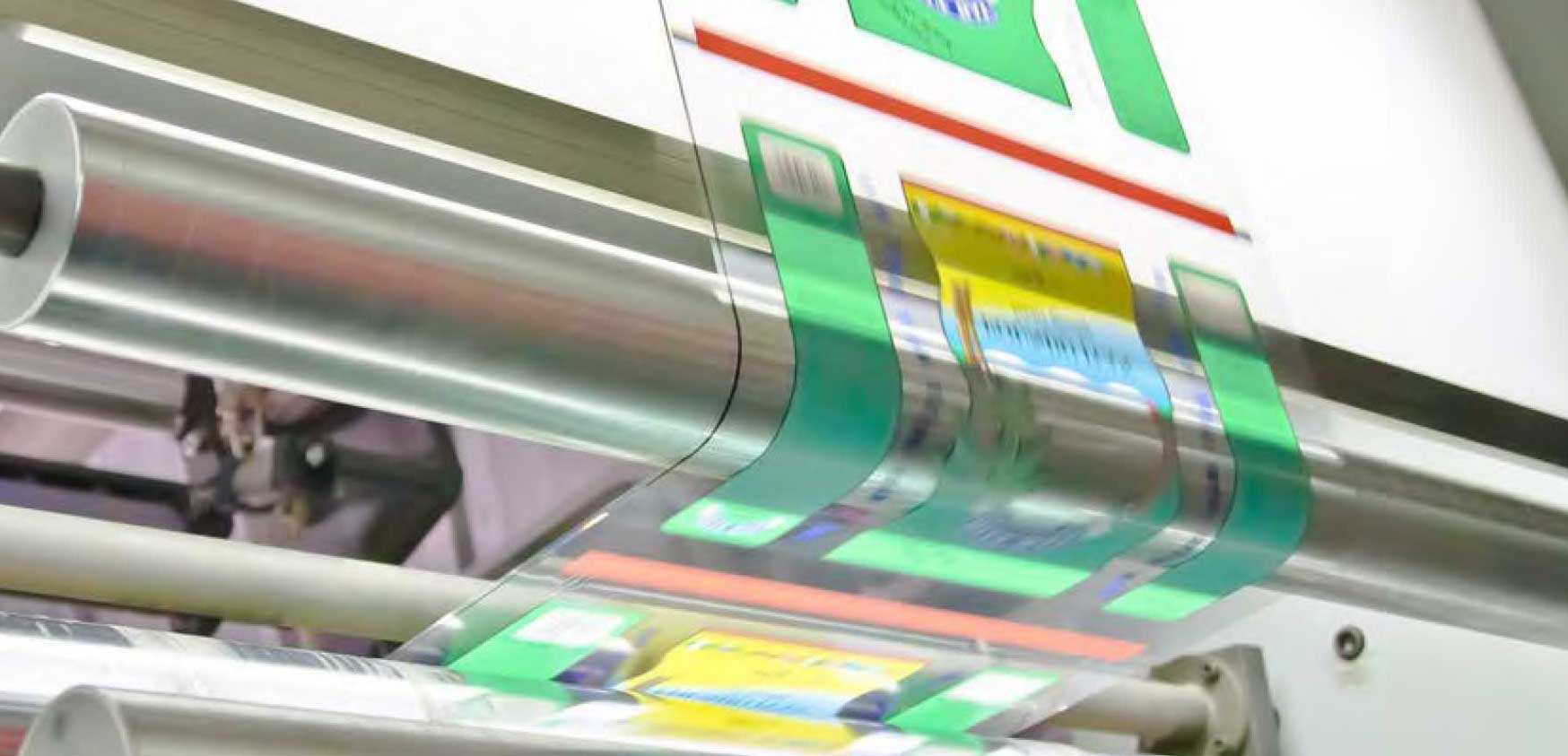
So, where do we begin? For starters, we want to make sure the photopolymer plate offers a stable, consistent, and repeatable dot. We can accomplish this by selecting the proper bump curve and highlight screening options available to us. Please keep in mind that halftone dots, which are too small or not properly formed, will fold over when put under impression, leading to premature plate wear and dirty printing. You also want to make sure that your imaging files are free from scum and partial dots. These unwanted tiny features on the plate will cause major issues on press, resulting in press downtime. There are prepress tools out there to help make this process easier.
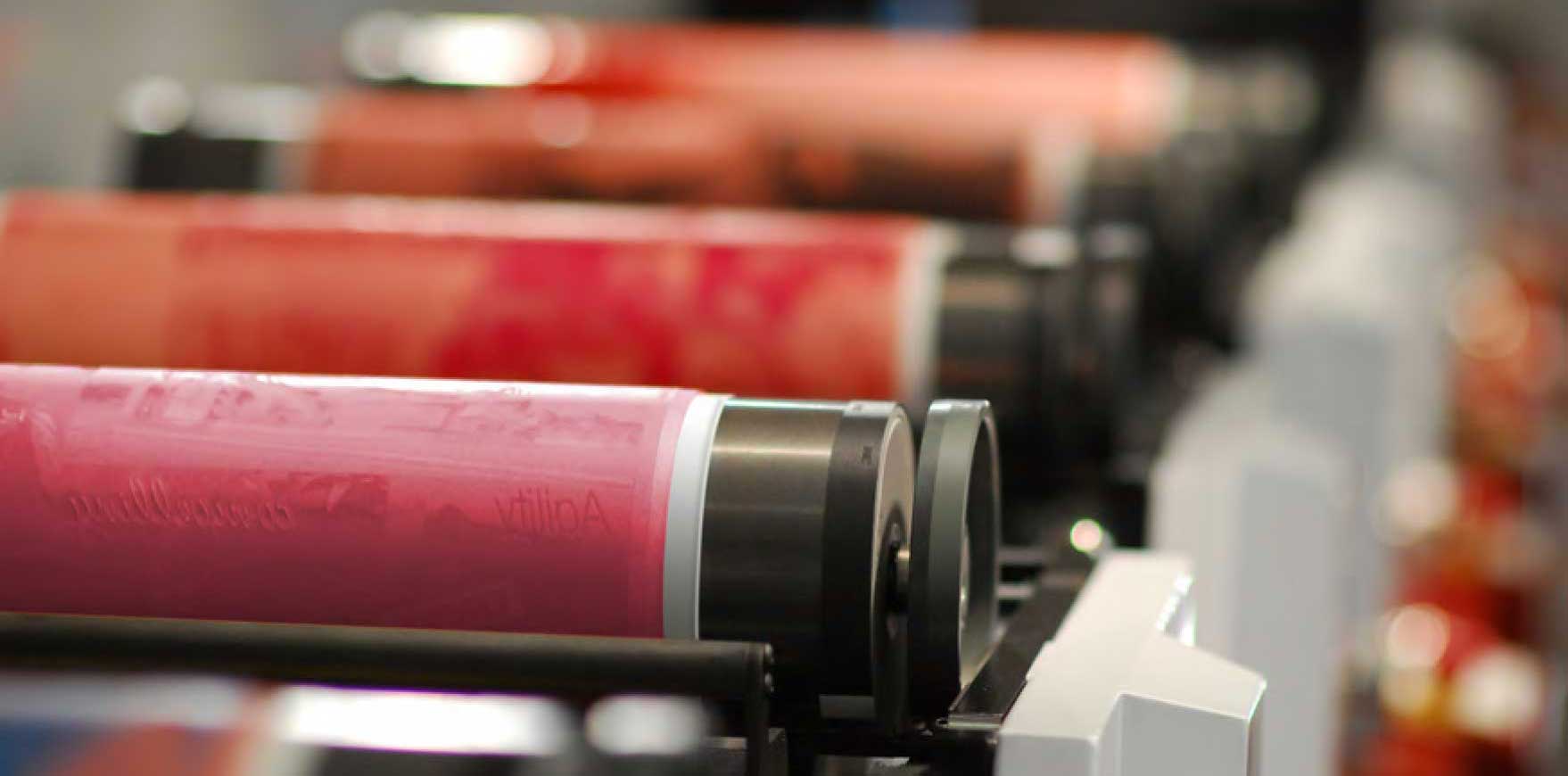
Next, we want to make sure our cushion tape or sleeve trulycomplements the printing plate to deliver an optimized plate package for the specific press and job components. When selecting an optimal cushion/plate combination, you want to use the firmest tape possible (density) that offers the least amount of impression without introducing bounce or influencing dot gain (slur). If your tape of choice is too hard, you can introduce excessive pressure and wear on your plate. Contrary, if your tape is too soft, then the press operator might feel the urge to overimpress the plate to fill in any unwanted print voids. Either way, incompatible mounting tape density can force the press operator to reduce speed, resulting in a lost opportunity. We recommend working with your tape/sleeve suppliers to optimize the durometer to best fit your application.
One of the more common root causes of press waste is a compromised printing plate. Historically, this happens when the surface of the plate has been contaminated by an oil or a third-party surfactant that inhibits ink transfer. Keep in mind that once the surface of the plate has been compromised, it will never print the same. The best way to prevent this from happening is to clean your plates (solids) with 100% alcohol and a lint-free cloth to remove any third-party debris from the plate “prior to inking.” This once-over removes any contaminants such as dust and debris in the air or environment, oil and grease due to handling, remains, or contamination from plate cleaners, press sprays, lubricated press wipes, hand sanitizers, or lotions. This cleaning prior to inking is especially important when printing with water or UV-based inks.
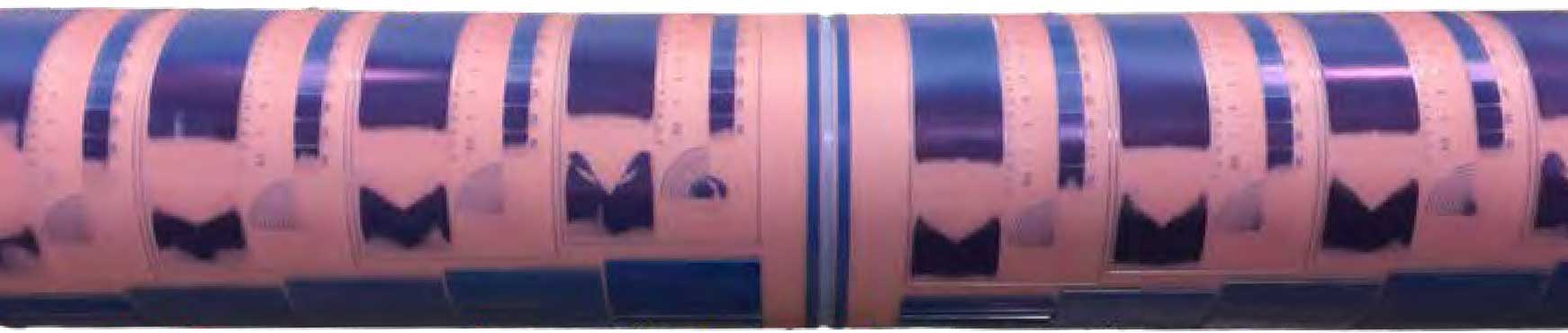
Below are some additional tips that can help reduce the impact from ambient UV light, ozone, or a surfactant that can negatively influence ink transfer from the plate.
Please be sure that your plate cleaning chemistry is compatible with the photopolymer plate. Certain plate cleaners are either absorbed by or deteriorate the printing plate leading to poor ink transfer and an overall loss in solid ink density.
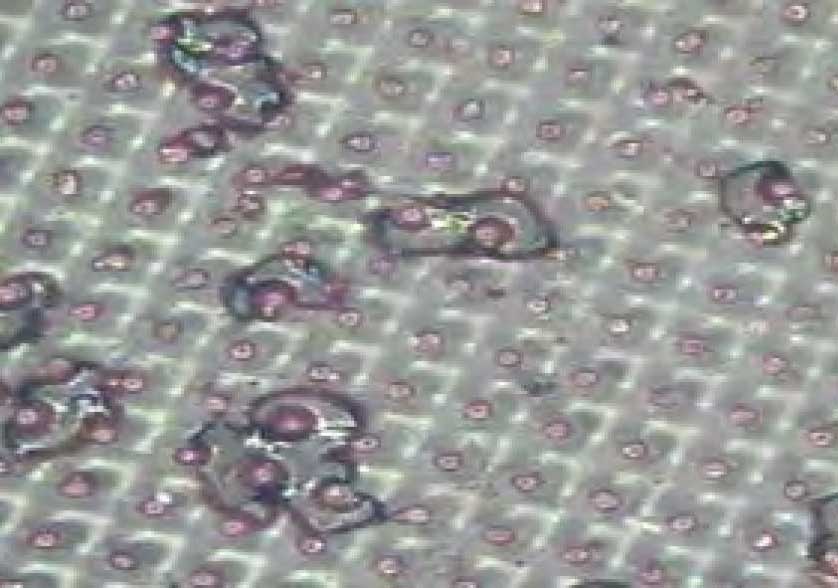
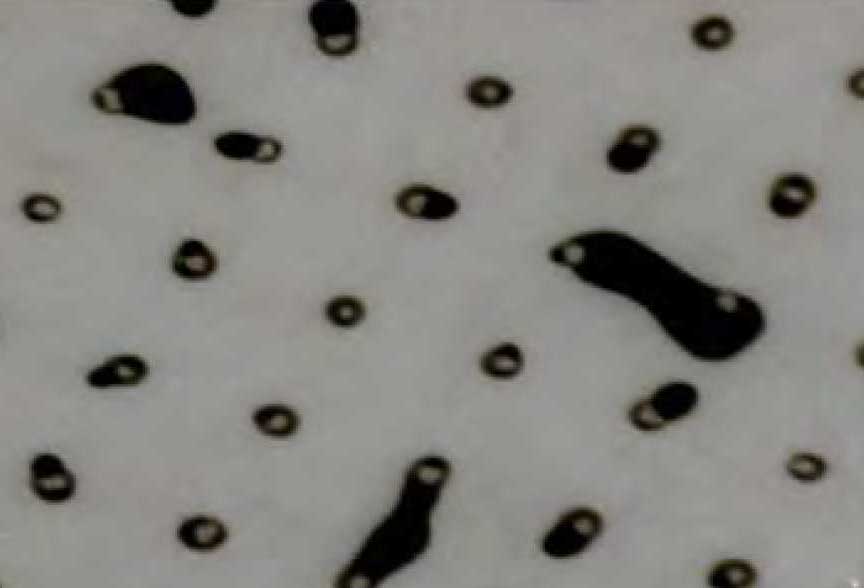
Whether you choose to hand wash your plates or use an automatic plate cleaner, make sure that the cleaning solvent is compatible with the printing plate. Aggressive cleaning agents have been known to swell and soften the printing plate leading to poor print reproduction. Ensure that the printing plate is completely dry prior to storage to avoid solvent retention, cracking or curling of the photopolymer.
Please use a soft sponge or natural brush in conjunction with a lint-free rag when cleaning plates. DuPont™ Cyrel® Solutions discourages the use of shop rags, nylons, or stiff brushes as they can prematurely damage your plate.


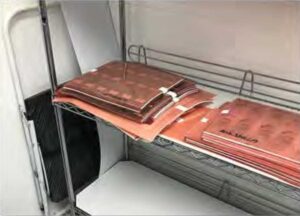
Flexographic printing plates should be protected from any outside influences. Ideally plates should be stored dry, flat, and interleaved with foam. Plates should also not. be stacked over 6-inches high as photopolymer plates on the bottom of the stack can emboss due to weight.
Photopolymer plates are made with a polymer that reacts to UV light. Even after the plate making process is complete, the polymer will continue to react to UV light. Ambient UV light changes the print surface of the plate, making it less ink receptive and leading to print inconsistencies.The plate should be protected from temperature extremes, sources of ozone, open doors, heat, vents, or electrical discharge as well.
Here are some other tips that could improve press uptime and lower overall waste in your manufacturing process.
- Work with your ink supplier to select a proper ink dispersion and formulation. Too thick or thin of a viscosity, in addition to too high or low of a pH may cause dirty printing, premature plate wear, and excessive dot gain.
- Ink temperature should be consistent per the ink manufacturer’s guidelines. Too hot/cold of an ink could lead to ghosting and other image transfer problems.
- The use of press sprays for image transfer is not recommended. Such sprays inhibit ink transfer, contain oils, contaminate inks, and hide the root cause of most printing problems.
- Establish a preventative maintenance program for doctor blades. Doctor blades should be changed out regularly rather than on an as needed basis. If you wait till the doctor blades fail completely then this will typically result in a mess of ink requiring longer clean up and more press downtime.
- Understand the condition and capabilities of your anilox rollers. The function of the anilox roll is to control the wet ink film thickness delivered to the surface of the printing plate and should be audited on a regular basis.
In closing, work with your suppliers. Ask your DuPont™ Cyrel® Solutions Representative how we can help you lower press waste.
The Sustainable Platemaker Series
Part 1 - Next Generation Plate Making and the Pursuit of Green
Part 2 - Plate considerations when working with sustainable inks and substrates
Part 3 - Changing the mindset: thinner flexo plates deliver quality and sustainability to the corrugated market
Part 4 - Plates, Plate Packaging and the 5 Rs
Part 5 - Reducing Plate Waste
Part 6 - Plateroom Habits that Affect Sustainability
Part 7 - Improving Plate Longevity and Reuse
Part 8 - Driving Pressroom Sustainability with Prepress Innovation